BUYING GUIDES FOR SMALL HOME OFFICES

Small desk.
Better setup.

Find gear that earns its space. Compare monitor arms, desk lighting, compact keyboards, and USB-C hubs—then shop the options on Amazon.

Specific product optionsFit checks before buyingClear Amazon shopping links
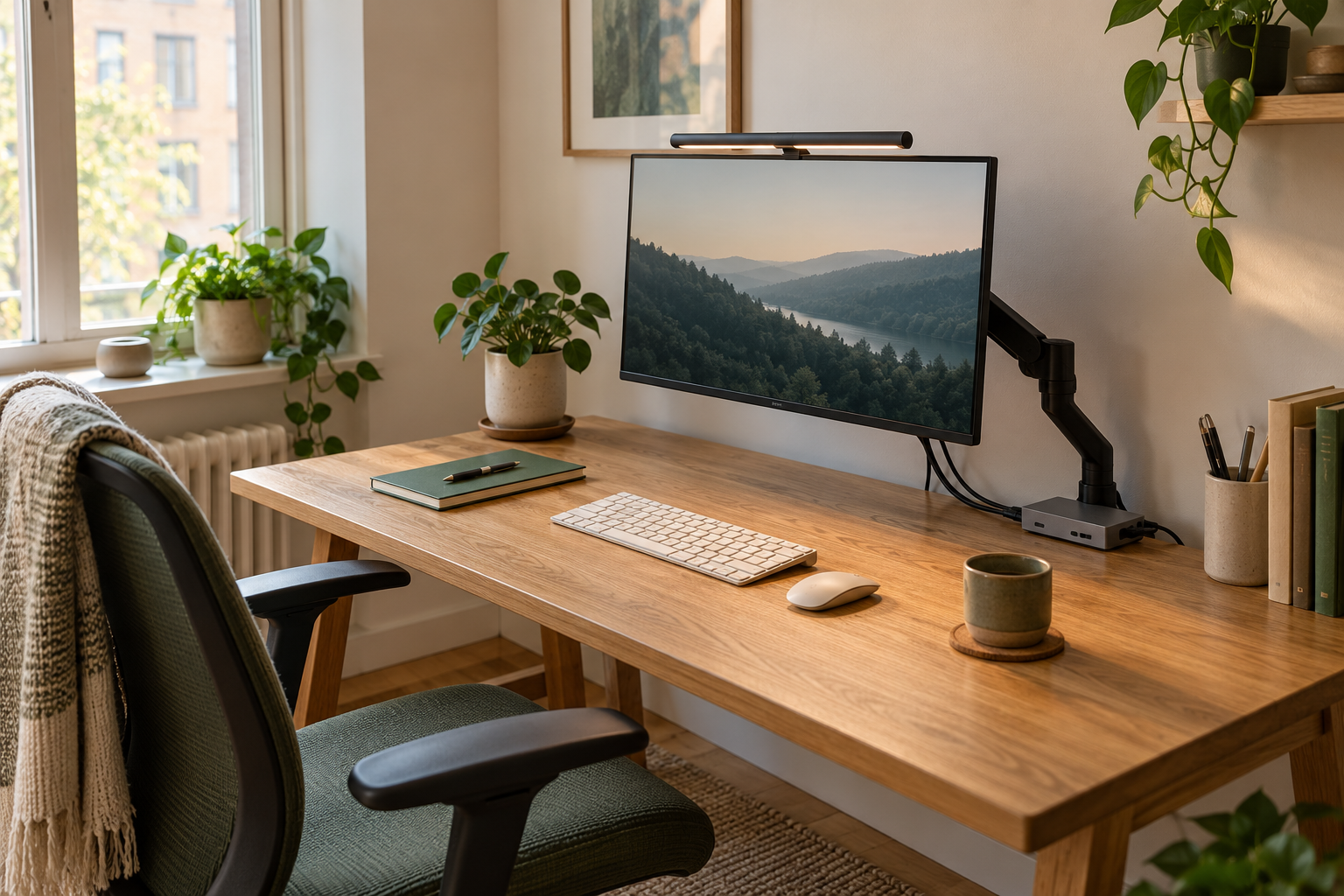
A compact wood desk with a monitor arm, light bar, keyboard, and neat cable routing

AI-generated workspace inspiration. Product options below use manufacturer information.

Choose the upgradeCheck compatibilityShop with a clear reason
THE DESK UPGRADE SHORTLIST

What would make your desk work better?

Four starting picks, with alternatives in each guide.
Read the fit check before you shop.

As an Amazon Associate I earn from qualifying purchases. How we fund the guides ↗

01 / Reclaim desk spaceCategory illustration
Desk-mounted display arm

Ergotron LX Desk Monitor Arm

A desk-mounted monitor arm to consider when your screen’s stand takes up useful space.

Consider it for
A compatible monitor and a desk that supports the chosen mounting method.
Check before buying
Check display weight, VESA pattern, desktop construction, and clearance behind the desk.
Find on Amazon Read the buying guide →Manufacturer information ↗
02 / Light the work surfaceCategory illustration
Monitor light bar · wireless control

BenQ ScreenBar Halo 2

A monitor-mounted light bar with front and rear lighting and a wireless controller.

Consider it for
A fixed monitor setup where you want to avoid a lamp base on the desk.
Check before buying
Check the screen housing, clamp fit, webcam position, and power requirements before ordering.
Find on Amazon Read the buying guide →Manufacturer information ↗
03 / Keep the keyboard compactCategory illustration
Compact layout · Bluetooth

Logitech Pebble Keys 2 K380s

A compact Bluetooth keyboard to consider when a full-size keyboard crowds your working area.

Consider it for
A small desk or a setup where you move the keyboard out of the way.
Check before buying
Check your preferred regional layout, device support, and whether you need a dedicated number pad.
Find on Amazon Read the buying guide →Manufacturer information ↗
04 / Connect the essentialsCategory illustration
HDMI up to 4K at 30 Hz · 5 Gbps data

Anker 332 USB-C Hub (A8355)

A five-port hub with HDMI, USB data ports, and USB-C power input for a compatible laptop.

Consider it for
A simple one-display setup where the listed ports match what you actually use.
Check before buying
Your laptop must support the required USB-C functions. This model is not a 4K 60 Hz dock.
Find on Amazon Read the buying guide →Manufacturer information ↗

Amazon links open search results for the named model. Confirm the exact variant, seller, price, and availability on Amazon. This shortlist is based on specifications, not hands-on testing. We do not display live prices or customer ratings.

PLAN THE UPGRADE

Give every purchase a job—and a budget.

Set your own spending limits.
Keep room for the things you really need.

BUILD YOUR OWN SHOPPING BUDGET

Plan a useful upgrade.

These are editable budget allowances, not listed product prices.

YOUR PLANNED SPEND$220

Your allowances fit within the budget you set.

Total budget
$250
Room left in the budget
$30
Items you need to buy
4 categories

Illustrative starting values. Set an allowance to zero for anything you already own. Check actual product prices, tax, and delivery on Amazon. Your inputs stay in this page.

Compare the product options ↗
OUR APPROACH

Useful gear.
A little more room to work.

We help you decide what fits, what to check, and where to shop.
Sometimes the right upgrade is keeping what you already own.

How we choose products ↗