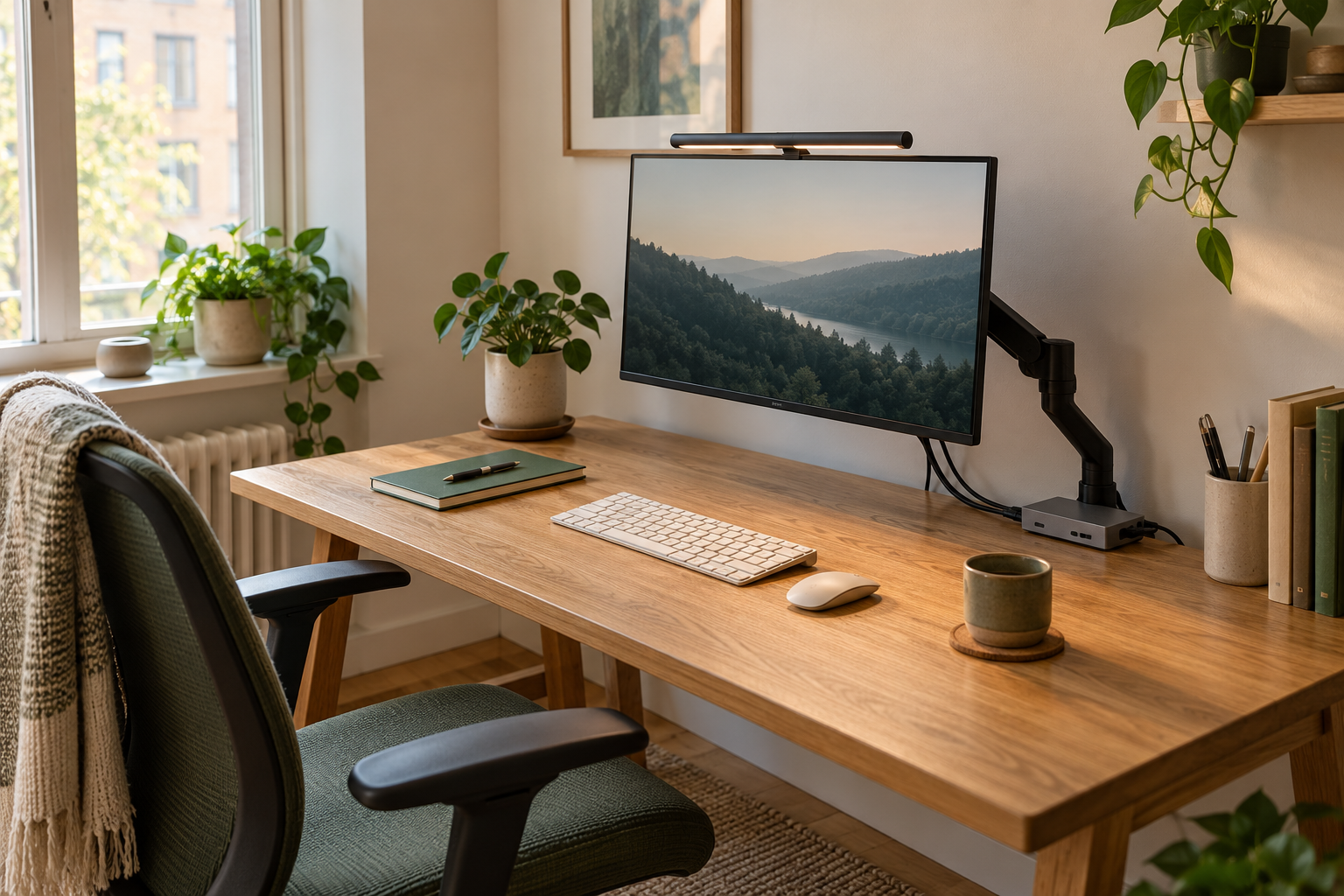
BenQ publishes the same 85 × 50 cm coverage at 500 lux for these two models. Pro is the simpler shortlist when front task lighting is the job and rear lighting is unnecessary.
Skip it if: You need Halo 2’s rear light or wireless controller, or the clamp does not suit your monitor.
Choose Halo 2 for rear lighting and wireless control
Its extra reason to buy is the front/rear lighting arrangement and separate wireless controller. Buy those functions deliberately rather than assuming a larger published task-light footprint.
Skip it if: You only want front task light, have nowhere useful for the controller, or cannot supply the documented power.
Consider a monitor light bar when the screen stays in a fixed place and avoiding a lamp base is a priority. Consider a conventional desk lamp when you need to move light between a notebook, craft area, or another position away from the monitor. A supported clamp lamp can be another way to preserve surface space.
Within the light-bar shortlist, investigate Halo 2 if its rear lighting and separate wireless controller are features you want. Investigate ScreenBar Pro when monitor-mounted task lighting and its documented automatic adjustment match the job. Neither choice replaces checking the actual screen housing, power arrangement, and workspace.
Light bar, desk lamp, or clamp lamp?
Start by identifying where the light needs to land. A beautifully tidy fixture is not useful if the work area you need to see remains awkwardly lit.
Lighting formats for a small desk
Question
Monitor light bar
Desk or clamp lamp
Where does it live?
On a compatible screen housing
On the surface or a supported clamp point
What is the typical use?
Lighting the working area near the monitor
A separate or movable reading/work area
What takes up space?
Fixture, cable, and any separate controls
Base or clamp, arm, cable, and movement area
What can get in the way?
Webcam and screen shape
Documents, shelves, or other desk objects
What should you test?
Fit and light direction in the actual setup
Reach and useful coverage in normal positions
Map the area you want illuminated
Place the notebook or other task material where it normally sits. Consider whether that area changes between typing, reading, and video calls. A fixed light near the display can suit a stable arrangement; a task that moves around the room may need a different approach.
Include the room’s existing light in the decision. If a window, ceiling fixture, or another lamp already does part of the job, identify the remaining problem precisely. Buying a more elaborate device is not the same as improving the whole lighting arrangement.
This is a practical buying comparison. We are not measuring eye strain, assigning health benefits, or presenting the manufacturer’s performance claims as our own test results. The useful question here is whether the format and controls fit how you work.
Do not pay for an assumed larger lighting area
The two specification pages publish an 85 × 50 cm coverage area at 500 lux. Halo 2 adds a reason to consider rear illumination and a wireless controller; the listed front coverage figure does not establish an advantage over Pro. Decide which of those extra functions you will use.
BenQ lists maximum input consumption of 15 W for Halo 2 and 8.5 W for Pro. Those maxima help you plan a suitable supply, but they are not measurements of typical energy use in your room. The Halo 2 controller is listed as 7.4 × 7.4 cm across its footprint, so include that small object in your surface plan.
Selected published specifications
Check
Halo 2
Pro
Coverage at 500 lux
85 × 50 cm
85 × 50 cm
Maximum power consumption
15 W
8.5 W
Listed monitor thickness
0.43–6 cm
0.43–6.5 cm
Power connector
USB Type-C
USB Type-C
Halo 2 vs ScreenBar Pro: choose the feature you will use
BenQ describes Halo 2 with front and rear lighting plus a wireless controller. The Pro information describes monitor-mounted task lighting with automatic adjustment. The table highlights those reasons to investigate; it is not a claim that we have compared brightness or tested either fixture.
A feature-led shortlist
Decision
ScreenBar Halo 2
ScreenBar Pro
Feature to investigate
Front/rear lighting and wireless control
Task lighting and automatic adjustment
Buying priority
You specifically want the controller/rear-light arrangement
You are focused on the documented desk-lighting setup
Still check
Housing fit, webcam, power, and controller position
Housing fit, webcam, power, and adjustment controls
Check the top of the monitor before buying
Look at the screen from above and behind, not only from the front. Note housing shape, thickness, built-in cameras, and where an external webcam attaches. Compare those details with the exact light’s documented compatibility and accessory information.
A common planning mistake is to assess the light and webcam separately, then discover that both want the same space. Work through the complete arrangement, including the webcam cable, any bracket, and the light’s power connection. Do not assume that a generic accessory is suitable for every fixture.
If the display is curved or has an unusual rear enclosure, check the manufacturer’s specific guidance. A broad description such as compatible with curved screens does not settle every fit question about a particular monitor.
Think about controls and daily use
Decide where you want to change the light settings. A separate controller is attractive only if you have a useful place for it and will use it. Controls on or near the fixture may suit a different routine. Picture reaching them while your normal equipment is on the desk.
Next, consider how often the workspace changes. If you pack away a laptop every evening, a fixed monitor-mounted fixture may not address the mobile part of your day. If you read papers away from the screen, a movable lamp may be the more flexible purchase even when it has a larger footprint.
A simple trial plan
Make a short checklist before the item arrives so the evaluation follows your actual tasks. Follow installation instructions and the seller’s current return conditions. Compare the arrangement with what you already own rather than assuming a new device must be an improvement.
Check that the documented mounting arrangement fits as intended.
Place the usual notebook, keyboard, webcam, and cables in position.
Try the tasks and seating positions you use in a normal day.
Check that controls and power routing remain convenient.
Decide whether the new arrangement solves the original problem.
Common buying questions
Does a monitor light replace all room lighting? Plan it around the task area and the room as a whole. A single fixture should not be assumed to solve every lighting need.
Is a separate controller always better? Only if that control arrangement suits your workspace. Count it as another object that needs an accessible position.
Which model is the overall winner? There is no measured winner in this guide. Choose by the useful feature set, documented fit, and current total purchase cost.
Our recommendation
Choose the lighting format first. Then compare Halo 2 and Pro only if a monitor-mounted solution suits the workspace. Paying for a feature you do not need is less useful than selecting an arrangement you will maintain and use.
The Amazon options below are exact-model searches. Check the generation, seller, current price, package contents, and purchase conditions on the destination site. Product availability and the exact variants offered can change.
Evidence and limits
This is a specification-based buying guide. Product descriptions come from the sources below; the fit examples and decision rules are our editorial analysis. We have not measured durability, performance, or comfort in a product test.
BenQ ScreenBar Halo 2 ↗Describes the Halo 2’s front/rear lighting and wireless controller used in this feature comparison.
BenQ ScreenBar Pro ↗Describes the Pro’s monitor-mounted task lighting and automatic brightness adjustment. Check current fit information for your display.
As an Amazon Associate I earn from qualifying purchases. Links search Amazon for the named model; confirm the variant, seller, price and availability there. Disclosure.
BenQ ScreenBar Halo 2
A monitor-mounted light bar with front and rear lighting and a wireless controller.
Check the fit: Check the screen housing, clamp fit, webcam position, and power requirements before ordering.